It can be annoying when the ABS light comes on after changing a wheel bearing, especially if the actual repair seemed to go well. The ABS sensor system that communicates with the wheel hub assembly is frequently the problem rather than the replacement bearing.
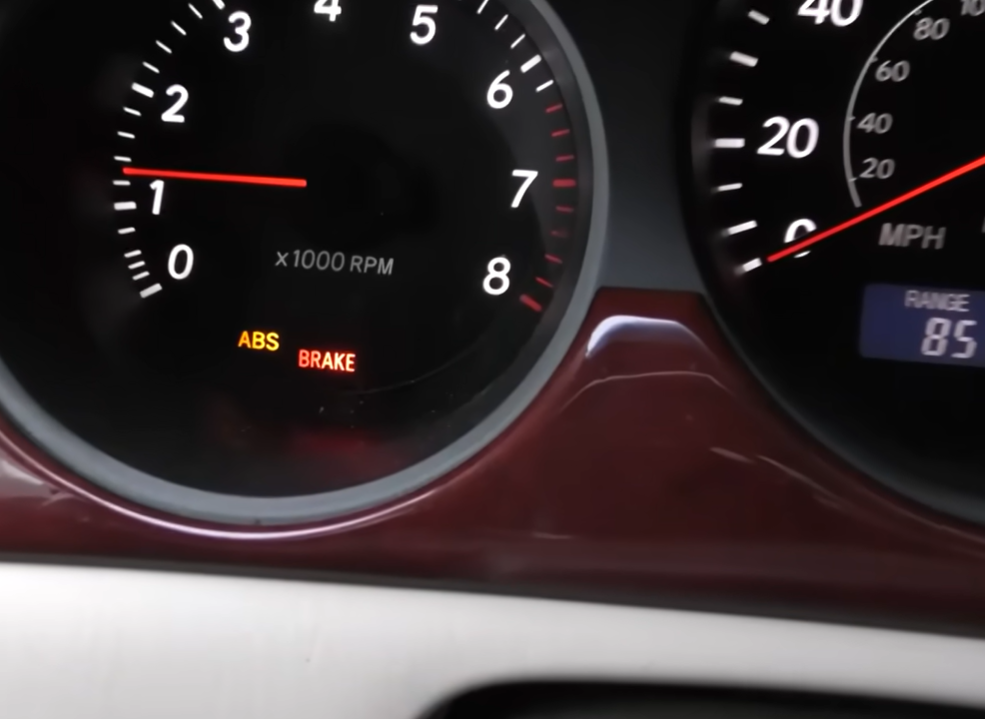
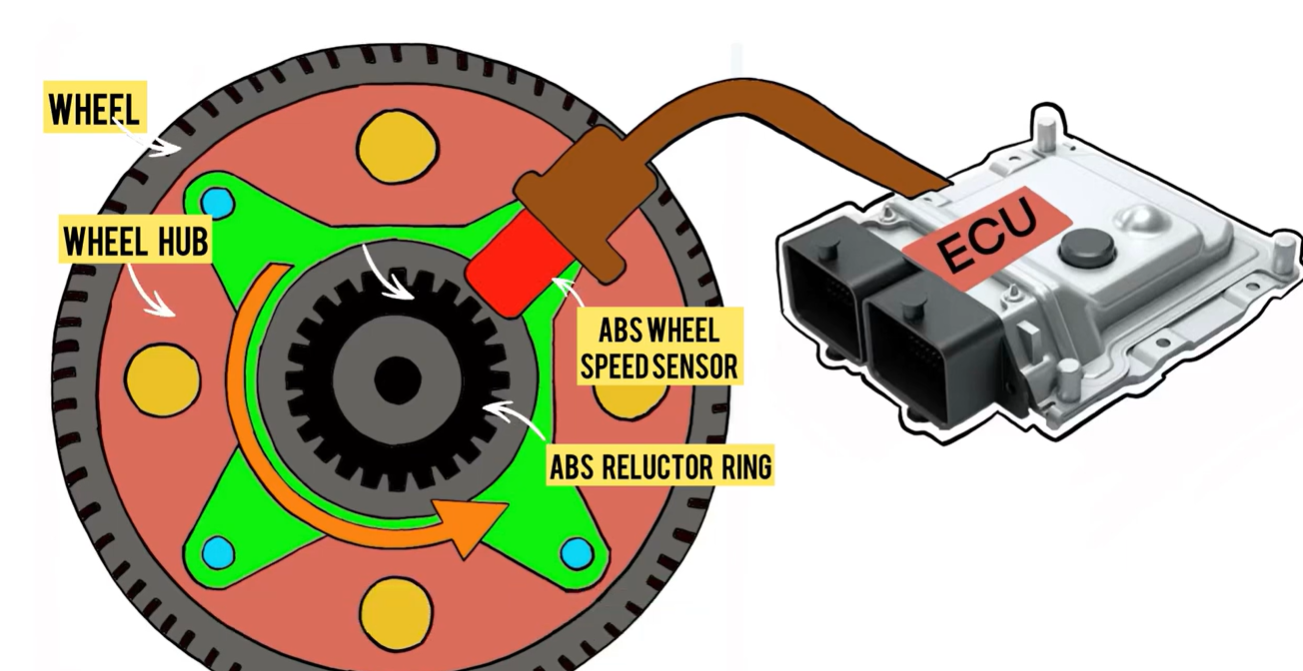
Wheel speed sensors and tone rings are used in modern cars to track wheel rotation for the anti-lock braking system. During a repair, the ABS light can come on if anything in that system is affected.
If you just completed the repair, a full wheel bearing replacement guide is your new best friend.
Key Points to Review
In this guide, we’ll explain:
- Why the ABS light may turn on after replacing a wheel bearing
- The most common causes related to sensors and installation
- Several ways to reset the ABS light
- When the light should reset on its own
- What to check if the warning light won’t turn off
By the conclusion, you’ll know how to securely turn off the ABS warning light and recognize when more testing is required.
Common Reasons the ABS Light Stays On
The wheel speed sensor or tone ring is typically the cause if the ABS light appears right away following a wheel bearing repair.
The majority of post-repair ABS alerts, according to our expertise dealing with hub and bearing assemblies across numerous vehicle platforms, are brought on by minor installation issues like sensor placement, debris on the tone ring, or wiring that was inadvertently disturbed during removal.
Here are the most common causes.
Damaged ABS Sensor
Wheel speed sensors are frequently installed very next to the wheel hub. The sensor may bump, bend, or sustain damage during bearing removal or installation.
The ABS module may identify a problem right away if the wiring stretches or the sensor housing splits.
Incorrect Bearing Orientation
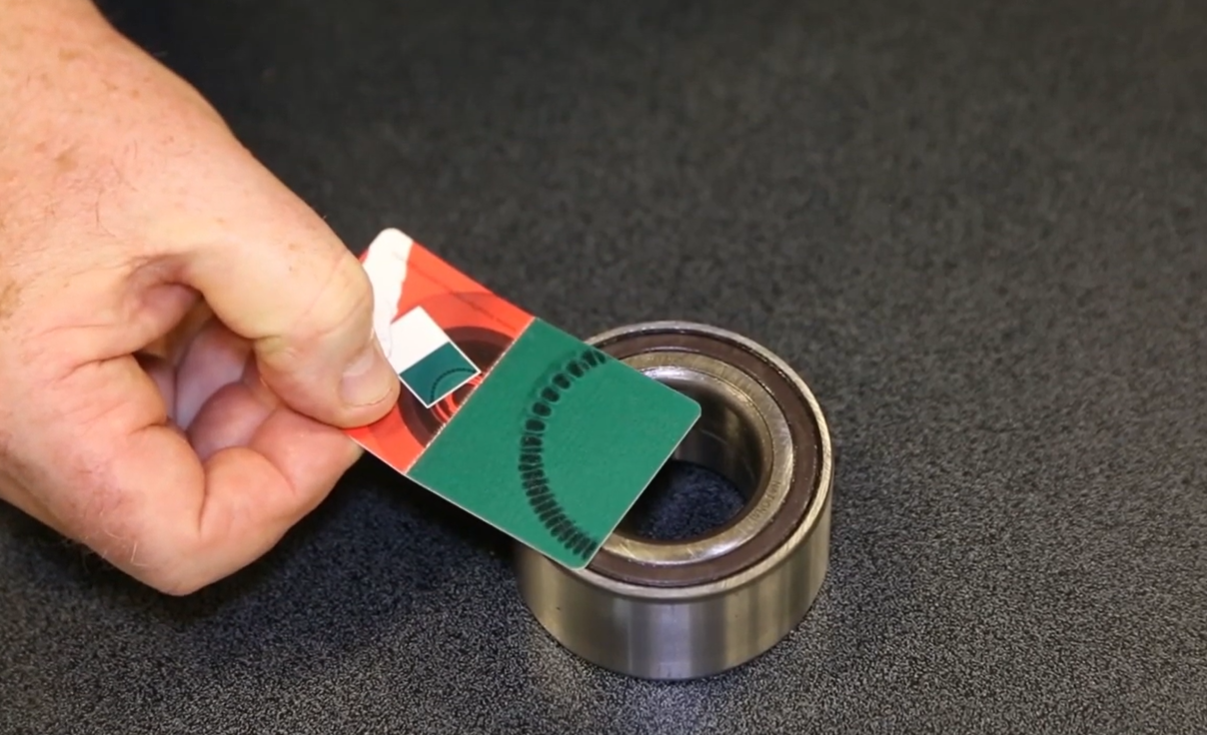
A magnetic encoder ring is integrated onto one side of certain wheel bearings. The sensor won’t be able to accurately read the wheel speed if the bearing is fitted backwards.
Press-in bearings with a particular direction frequently experience this.
Dirty or Damaged Tone Ring
The ABS sensor uses the tone ring—a magnetic or toothed ring—to calculate wheel speed.
The ABS light may be triggered by dirt, rust, or metal debris on the ring interfering with the sensor signal.
Stored Fault Code
The ABS module may retain the original fault code even after the issue has been fixed.
If this is the case, the warning light can remain on until the code is cleared or the system is reset.
Method 1: Drive Cycle Reset
After a brief drive, certain cars automatically delete ABS trouble codes.
The warning light may be turned off by the ABS control module if the car determines that all wheel speed sensors are operating normally once again.
Typical drive cycle reset steps include:
- Start the vehicle
- Drive at normal road speeds
- Perform several stops
- Allow the system to re-check wheel speed data
Depending on the car, this process could take a few minutes to many driving cycles.
Method 2: Disconnect the Battery
Sometimes momentary electronic issues might be resolved by disconnecting the car’s battery.
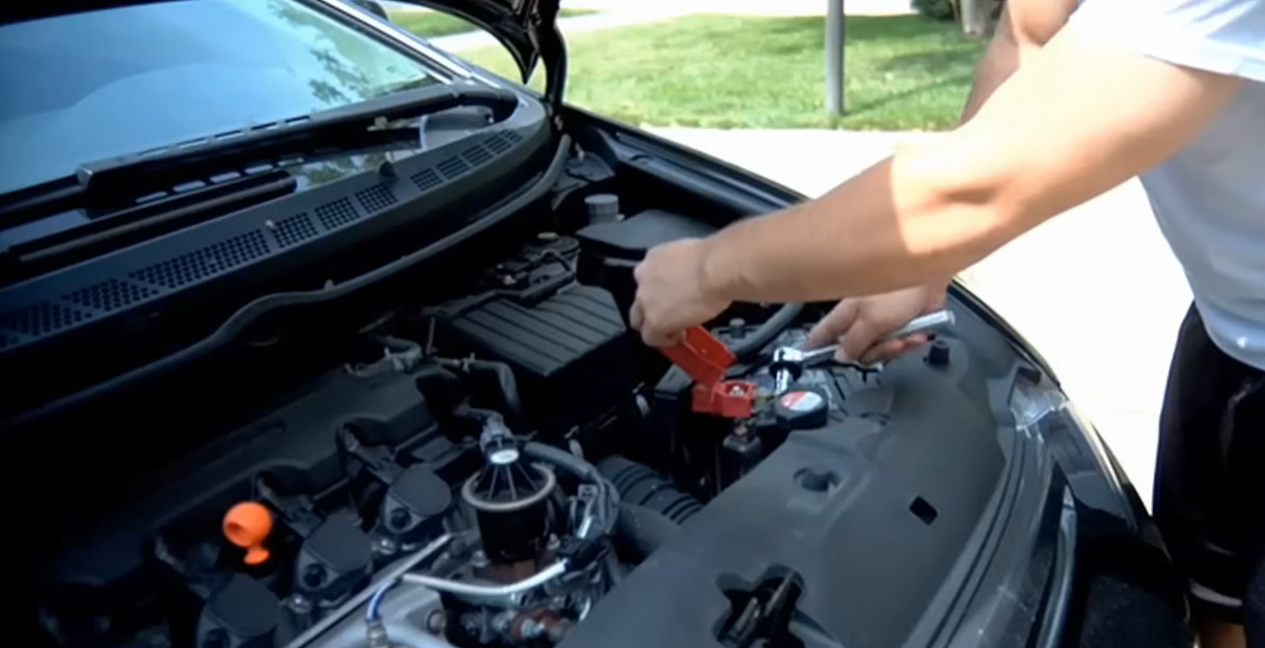
To try this reset:
- Turn the vehicle off
- Disconnect the negative battery terminal
- Wait about 10–15 minutes
- Reconnect the battery
- Restart the vehicle
However, as many contemporary cars retain diagnostic issue codes in non-volatile memory, this technique does not always permanently clear ABS codes.
Method 3: Use an OBD-II Scanner
Using an OBD-II scanner is the most reliable way to reset the ABS light.
Once the underlying problem has been resolved, a scan tool can read the stored fault codes and clear them.
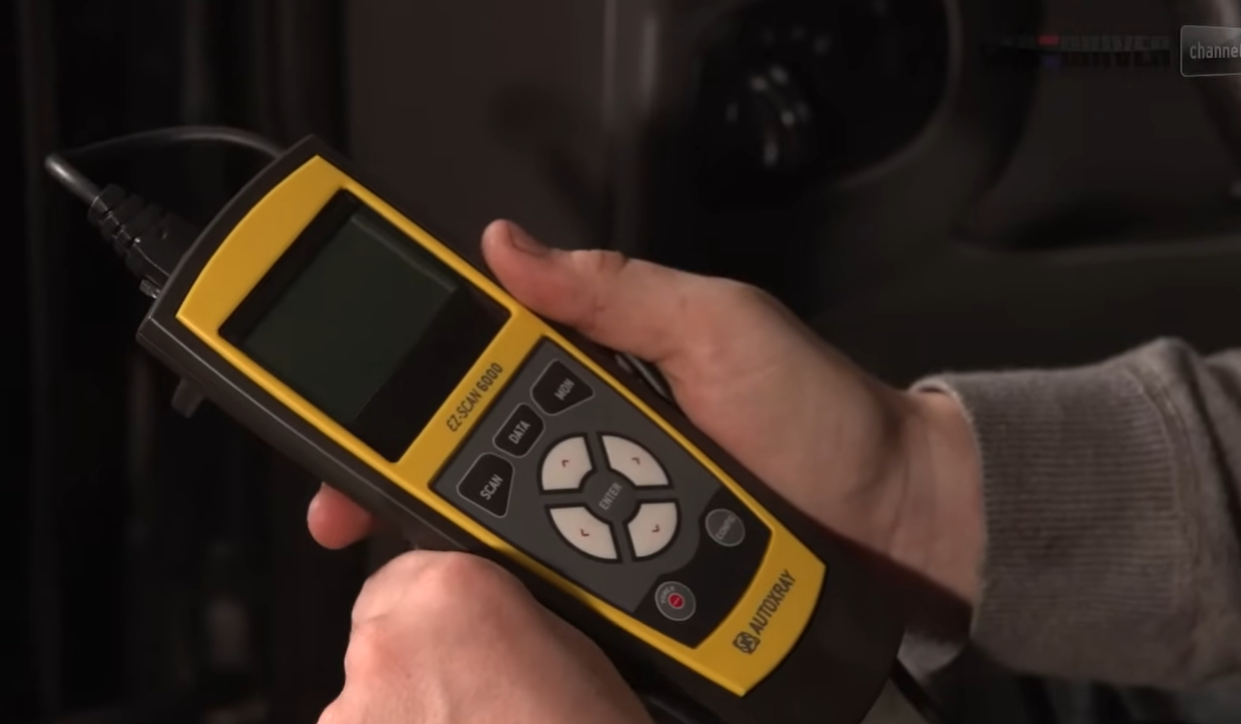
The process usually involves:
- Connecting the scanner to the vehicle’s OBD-II port
- Reading the ABS fault codes
- Fixing the detected issue
- Clearing the codes through the scanner
This approach is preferred by many technicians since it also aids in determining whether the problem was connected to the sensor, the installation, or wiring damage.
If the issue started during removal, you’ll need to know how to remove a wheel bearing without a press and most importantly without damaging components.
When the Light Won’t Turn Off
The system might still be identifying a problem if the ABS light stays on after a restart.
If so, additional examination is required.
Recheck the ABS Sensor
Verify that the sensor is properly positioned and in line with the tone ring. The sensor may not read accurately due to even a tiny gap.
Inspect Sensor Wiring
Look for:
- Pinched wiring
- Loose connectors
- Corrosion around sensor plugs
Wheel bearing repairs frequently include changing suspension and braking parts, which can occasionally put stress on adjacent wiring.
Scan for Codes Again
Check which code is returned by scanning the ABS system once more if the light is still on.
The code will frequently refer directly to the location of the malfunctioning sensor or wheel.
Persistent ABS lights are typically caused by wire connectors that were not entirely seated or sensors that picked up debris during the repair, based on our observations from several wheel hub repairs.
FAQs
Can a bad wheel bearing trigger the ABS light?
Yes, a bad wheel bearing can trigger the ABS light. Wheel speed sensors are often installed close to the wheel bearing in current cars. The ABS system may identify inaccurate wheel speed measurements and activate the warning light if the bearing comes loose or the tone ring is broken.
Does disconnecting the battery permanently reset the ABS light?
No, disconnecting the battery doesn’t permanently reset the ABS light. Some electronic issues may be temporarily resolved by disconnecting the battery, but a diagnostic tool is typically needed to completely reset stored ABS codes.
How long does it take for the ABS light to reset itself?
Some cars reset the ABS light after a brief drive cycle if the issue is resolved. For others, a scan tool must be used to manually clear the error code.
Do I need a scan tool to clear ABS codes?
The most dependable method for clearing ABS codes is to use a scan tool. It enables you to properly reset the system, examine the stored fault codes, and verify that the problem has been resolved.